

Ecommerce workflow optimisation strategies for order-to-despatch operations
Ecommerce teams often add tools and channels faster than they improve the way work moves between people and systems. Workflow optimisation focuses on reducing handoffs, standardising decisions, and making operational data reliable from order capture through fulfilment and after-sales. The aim is consistent throughput with fewer exceptions and less rework.
By Darren ArdenerUpdated
Co-founder of Just Applications Ltd, the team behind Adlixor
The Challenge
Manual and legacy workflows rely on spreadsheets, email threads, and individual knowledge to route orders, update stock, and resolve exceptions. This creates delays, duplicated effort, and inconsistent customer outcomes when volumes spike or staff change. Errors commonly appear as oversells, missed cut-off times, incorrect despatch methods, and slow returns processing because information is not synchronised.
The Solution
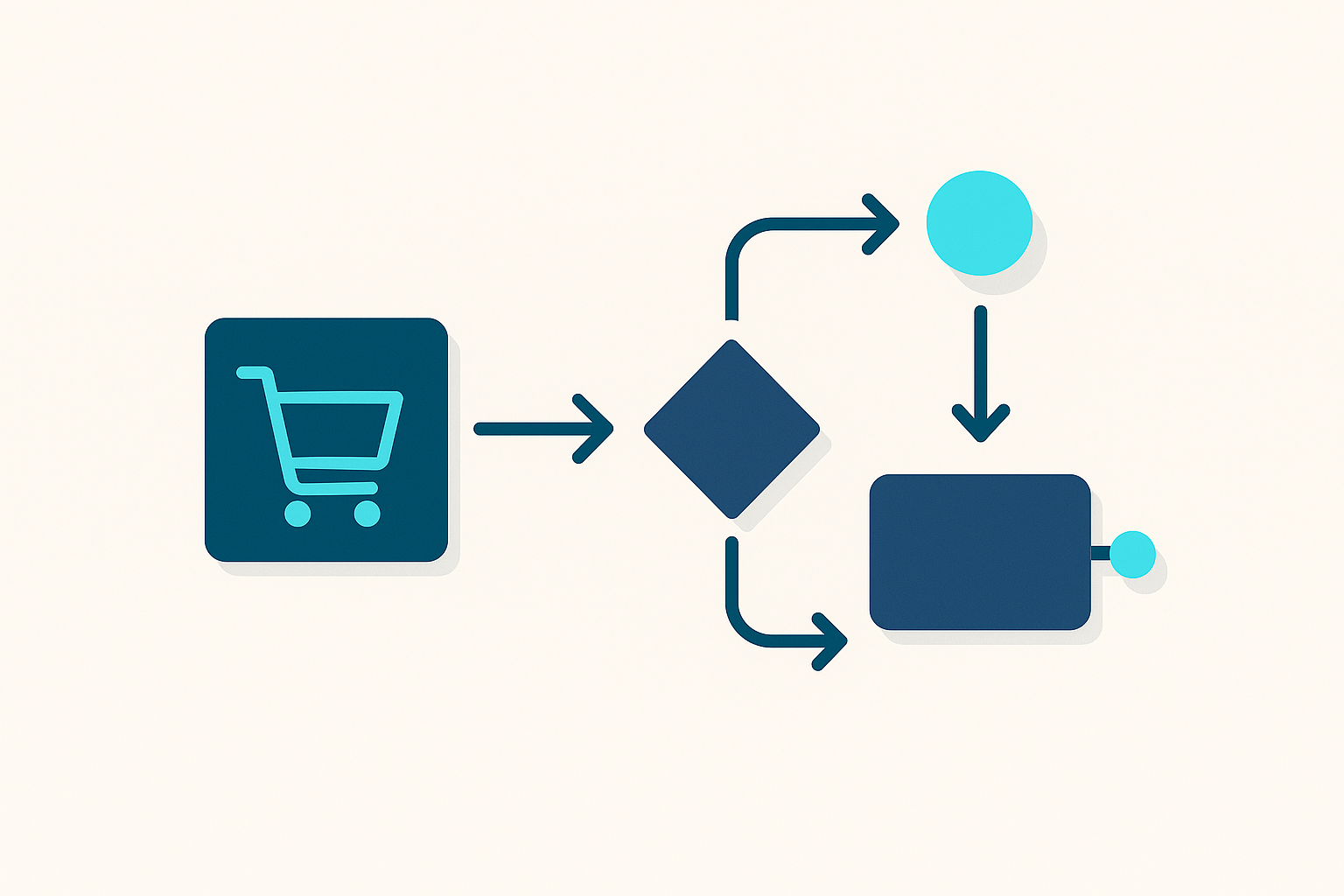
A systematic approach maps the order-to-despatch flow, defines decision rules, and automates status changes, allocations, and notifications based on a single source of operational data. Work is triggered by events rather than chasing updates, and exceptions are handled through queues with clear ownership and service levels. Over time, measurement of cycle times and error rates guides incremental changes without disrupting day-to-day fulfilment.
Step-by-Step Guide
- 1
Define the end-to-end workflow scope from checkout to despatch, returns, and refund completion, including all channels and warehouses.
- 2
Document the current state process with handoffs, tools used, decision points, and the top 20 exception types by frequency or impact.
- 3
Set baseline metrics such as order cycle time, pick accuracy, oversell rate, return-to-refund time, and percentage of orders requiring manual intervention.
- 4
Standardise core data fields and statuses across systems, including order status, payment status, inventory availability, carrier service, and tracking events.
- 5
Create routing rules for allocation, split shipments, hold conditions, and carrier selection based on stock location, cut-off times, service level, and risk flags.
- 6
Implement automated triggers for key events such as payment capture, stock reservation, pick release, label generation, despatch confirmation, and customer notifications.
- 7
Introduce exception queues with ownership, prioritisation, and resolution steps for payment issues, address validation, stockouts, damaged items, and carrier failures.
- 8
Run a controlled rollout with parallel reporting, then retire manual workarounds once reconciliation shows consistent outcomes.
- 9
Review metrics weekly, adjust rules and thresholds, and document changes so improvements survive team changes and seasonal peaks.
Pro Tips
- ✓Treat order status as a state machine with allowed transitions to prevent contradictory updates across tools.
- ✓Automate address validation and delivery option checks at checkout to reduce post-order corrections and carrier surcharges.
- ✓Separate operational alerts from informational notifications so teams only see actionable exceptions.
- ✓Use inventory reservations with expiry rules to avoid stock being blocked by abandoned or long-held orders.
- ✓Put cut-off times and warehouse working calendars into the workflow logic rather than relying on staff memory.
- ✓Log every automated decision and override with a reason code to support audits and continuous improvement.
Frequently Asked Questions
- What is workflow optimisation in ecommerce operations?
- It is the practice of designing and improving how orders, inventory, and tasks move through the business from checkout to despatch and after-sales. The focus is on reducing manual steps, clarifying decision rules, and improving data consistency so the process scales.
- Which part of the workflow usually causes the most delays?
- Delays typically come from exceptions such as stockouts, address issues, payment holds, and split shipments. These cases often lack clear ownership and require checking multiple systems before action can be taken.
- How do you choose metrics for workflow improvements?
- Pick a small set that reflects speed, quality, and effort, such as order-to-despatch time, pick accuracy, oversell rate, and manual touches per order. Track them by channel, warehouse, and exception type to see where changes have effect.
- How do automation and standardisation work together?
- Standardisation defines common statuses, data fields, and decision rules so everyone follows the same process. Automation then applies those rules consistently at scale, reducing variation and preventing missed steps.
- What should remain manual even after optimisation?
- Judgement-heavy tasks such as fraud review, customer goodwill decisions, and supplier escalation often remain manual but should be supported by structured queues and clear criteria. The goal is to reduce avoidable manual work, not remove accountability.
- How can teams avoid breaking fulfilment during changes?
- Use staged rollouts with monitoring and the ability to fall back to the previous workflow for a limited period. Keep changes small, document rule updates, and validate results with reconciliation reports before removing old steps.
Related Guides
Further reading from our blog
- BlogMulti-Channel Printing: One Workflow for Shipping Labels Across Every Sales ChannelMulti-channel printing unifies your shipping label workflow across Amazon, eBay, Shopify and more. Here's how to stop printing from five places and start printing from one.
- BlogThe Complete Multichannel Ecommerce Guide for UK Sellers in 2026Everything UK ecommerce sellers need to know about selling across multiple channels — from choosing the right marketplaces to managing inventory, orders and fulfilment at scale.
Ready to simplify your multichannel operations?
Start your 14-day free trial with Adlixor — no credit card required.