

Eliminating manual order routing between sales channels
As ecommerce businesses add marketplaces, webshops, and social selling, orders start arriving in different formats and at different times. Getting each order to the right fulfilment location and service level becomes a daily operational task that affects despatch speed, stock accuracy, and customer communication.
By Sean SaleUpdated
Co-founder of Just Applications Ltd, the team behind Adlixor
The Challenge
Manual order routing relies on staff checking multiple dashboards, exporting spreadsheets, and re-keying data into shipping or warehouse tools. This creates delays, inconsistent rules, and routing errors such as sending an order to the wrong warehouse, choosing the wrong carrier service, or splitting shipments unnecessarily. As volume grows, the workload scales linearly and the risk of stock oversells and missed dispatch cut-offs increases.
The Solution
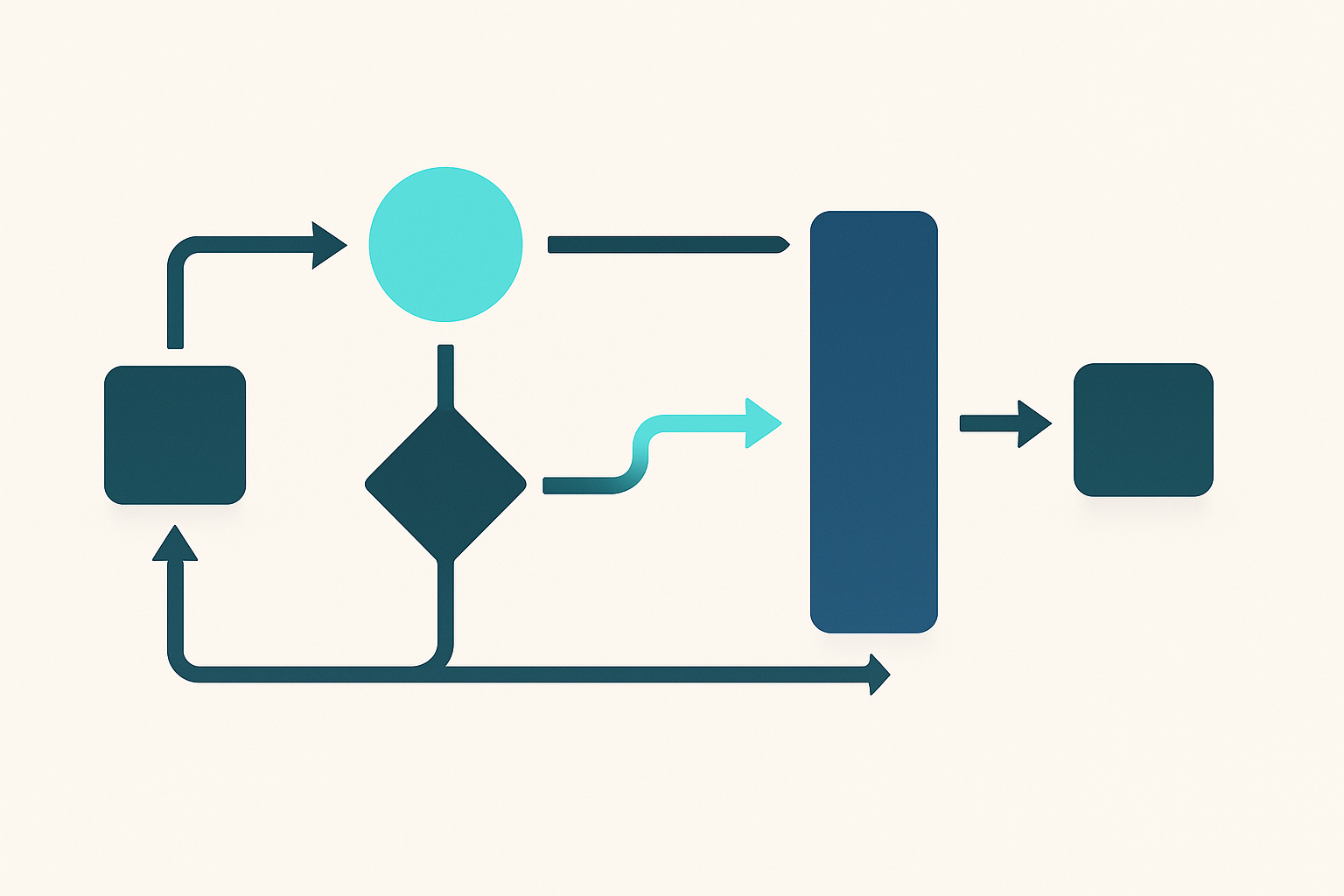
A systematic routing approach applies consistent rules to every incoming order and allocates it automatically to the correct fulfilment path based on stock, location, service level, and constraints. Orders are normalised into a single structure, validated, and then routed with clear exceptions handling, so teams only touch orders that genuinely need intervention. This reduces rework, improves despatch performance, and keeps inventory and customer updates synchronised across channels.
Step-by-Step Guide
- 1
Map all sales channels and list the fields required to fulfil an order, including items, quantities, shipping service, address, taxes, and customer contact details.
- 2
Define fulfilment endpoints such as warehouses, stores, dropship suppliers, or third-party fulfilment partners, along with their cut-offs and carrier options.
- 3
Document routing criteria including destination region, promised delivery speed, hazardous or oversized items, stock availability, and channel-specific restrictions.
- 4
Create a single set of routing rules with a clear priority order and a defined fallback when multiple locations can fulfil the same order.
- 5
Standardise order data by normalising product identifiers, address formats, shipping methods, and any special handling flags.
- 6
Implement automated validations for address completeness, payment status, fraud checks, and item fulfilment constraints before routing occurs.
- 7
Enable automatic allocation and reservation of stock at the chosen fulfilment endpoint to prevent overselling across channels.
- 8
Set up exception queues for cases such as out-of-stock, split shipment decisions, invalid addresses, or channel holds, with ownership and response times.
- 9
Monitor routing outcomes weekly and adjust rules based on delivery performance, cost, stock distribution, and recurring exceptions.
Pro Tips
- ✓Use a single product identifier strategy and maintain a mapping table where channels use different SKUs.
- ✓Treat shipping method names from channels as inputs and translate them into your internal carrier service codes.
- ✓Reserve stock at the point of routing, not at the point of packing, to reduce channel-to-channel oversells.
- ✓Keep routing rules small and auditable, and avoid adding one-off exceptions without a clear expiry or owner.
- ✓Record the reason for every manual override so you can fix root causes rather than repeating interventions.
- ✓Test routing changes with a small percentage of orders or a limited set of channels before full rollout.
Frequently Asked Questions
- What is manual order routing between sales channels?
- It is the process of staff reviewing orders from different channels and deciding where and how each order should be fulfilled, often using spreadsheets or multiple admin portals. It commonly includes copying data into shipping or warehouse systems and manually selecting fulfilment locations and services.
- Why does manual routing cause fulfilment delays?
- Manual steps add queue time, especially around cut-offs, weekends, and peak periods. Errors and rework also slow the process because teams must correct addresses, change fulfilment locations, or reissue shipping labels.
- What rules are typically used for automated routing?
- Common rules include allocating to the closest location with available stock, selecting a service level that meets the delivery promise, and enforcing constraints such as hazardous goods handling or courier exclusions. Many businesses also prioritise clearing slow-moving stock or balancing inventory across locations.
- How do you prevent overselling when orders come from multiple channels?
- You need inventory synchronisation and stock reservation at the time of allocation, so each routed order reduces available stock immediately. Safety stock and clear backorder rules help manage latency and supplier lead times.
- When should an order be routed to an exception queue?
- Use exceptions for cases that cannot be resolved reliably by rules, such as missing address components, suspected fraud, restricted items, or insufficient stock at all locations. Exceptions should have defined owners and service levels so they do not become a hidden backlog.
- How do returns and exchanges affect routing decisions?
- Routing should account for where replacement stock is held and whether an exchange needs to ship from the same location to simplify reconciliation. For returns, establishing a standard returns destination and inspection workflow helps keep available stock accurate across channels.
Related Guides
Further reading from our blog
- BlogMulti-Channel Printing: One Workflow for Shipping Labels Across Every Sales ChannelMulti-channel printing unifies your shipping label workflow across Amazon, eBay, Shopify and more. Here's how to stop printing from five places and start printing from one.
- BlogHow to Bulk Print Shipping Labels from eBay: Stop Doing It One at a TimeBulk print shipping labels from eBay in seconds instead of minutes per order. A complete guide to eBay's built-in tools, CSV workflows, and full automation for high-volume sellers.
Ready to simplify your multichannel operations?
Start your 14-day free trial with Adlixor — no credit card required.